Tuva 1.5 - Reimagining Project Browsing
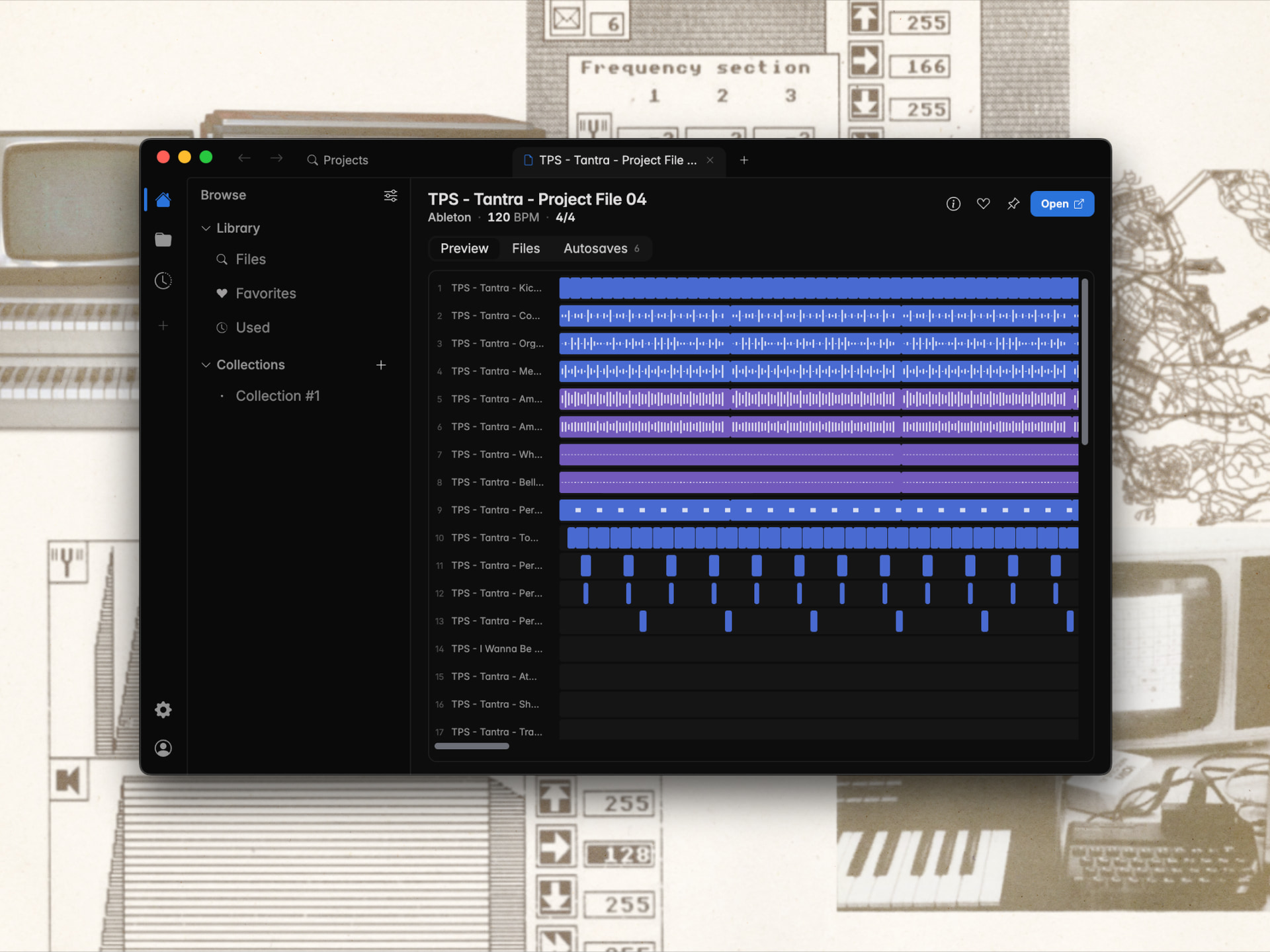
When ideas are turned into music, the modern producer does so in a Digital Audio Workstation (DAW). After having produced for a while, those ideas rack up, and, just like samples, get difficult to navigate, since the operating systems of today can't parse the contents of DAW files and make them searchable and previewable, like for example PDF, Word, Excel-documents, or now even images are.
A while back (as covered by Bedroom Producers Blog) we added the ability to preview the clips (and some more information) of Ableton, Reaper, and FL Studio files, and have expanded those abilities to Logic Pro and Cubase users as well. But we soon realised that we can do even more than that, so shortly afterwards we added the ability to see the audio-files and MIDI-files that you've added to Tuva and are used in the project, as well as MIDI-files embedded in the project.
This feature already has significantly reduced the time it takes for us at Tuva to find the project we are looking for, since instead of having to wait for several seconds for the projects to open in the DAW to see relevant information as to if this is the right project or not, I can see it in Tuva instantly. Furthermore, the ability to sort on BPM, modified date etc. on all project files, irrespective of where they are on my computer, is really a game changer.
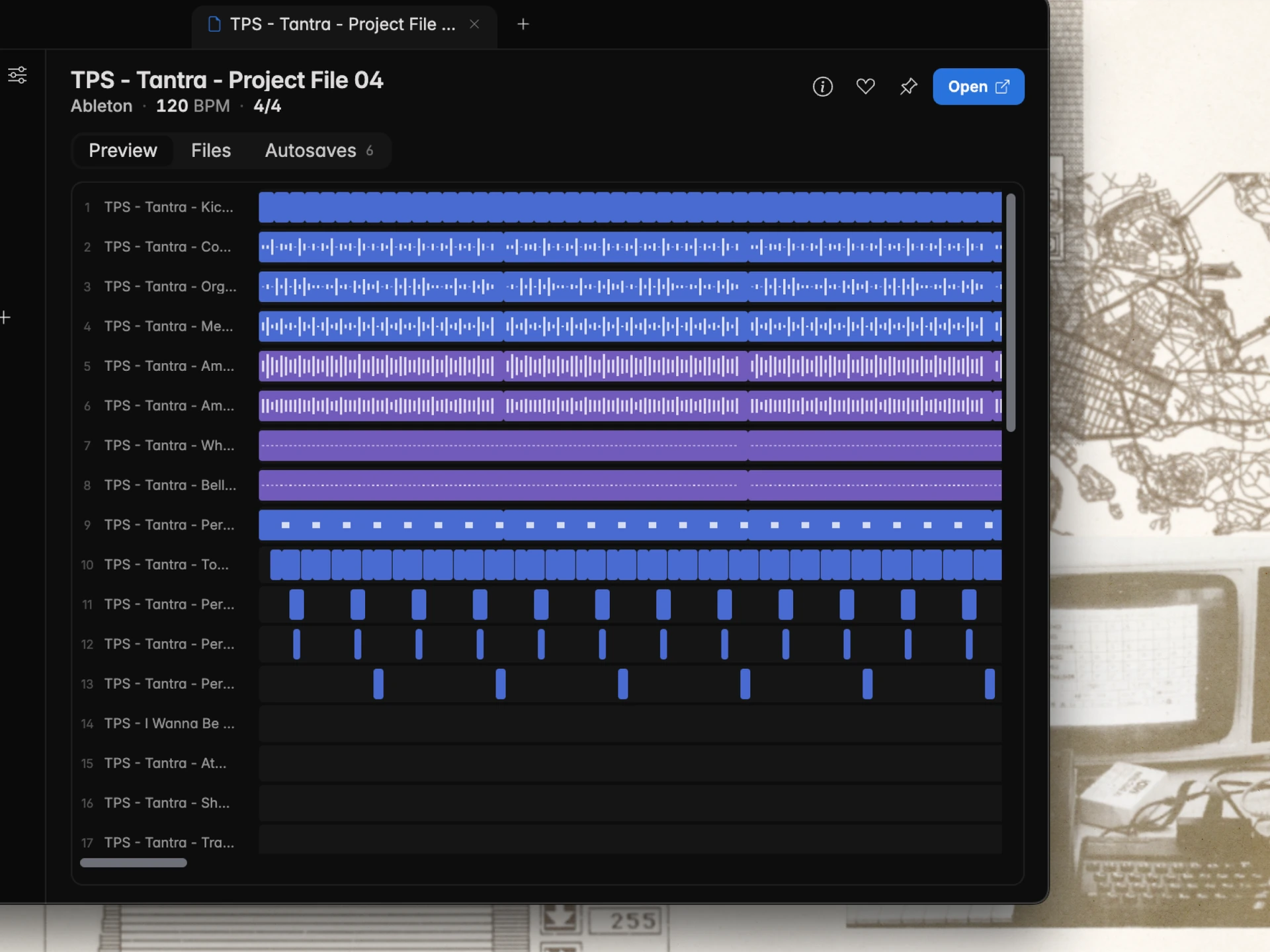
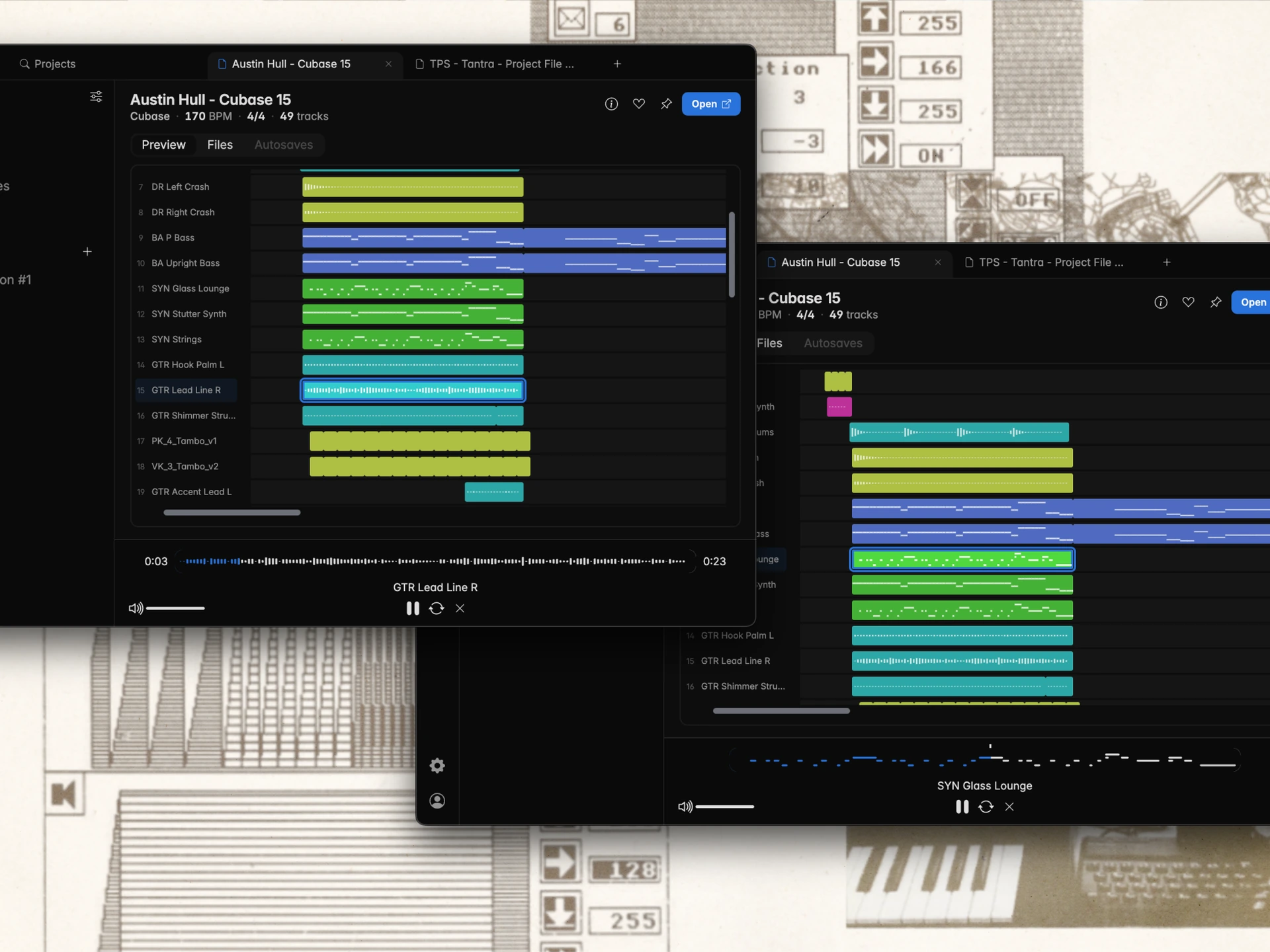
Now we are proud to announce our biggest leap yet in the capabilities of Tuva's project-view. Not only did we do a complete redesign of the project-view, to make the information easier to grasp and more straightforward, but we have put in uncountable hours into reverse engineering the project formats (and trust me, blindly extracting information from binary files is not easy) in order to now give you the ability to preview any clip in your DAW-project.
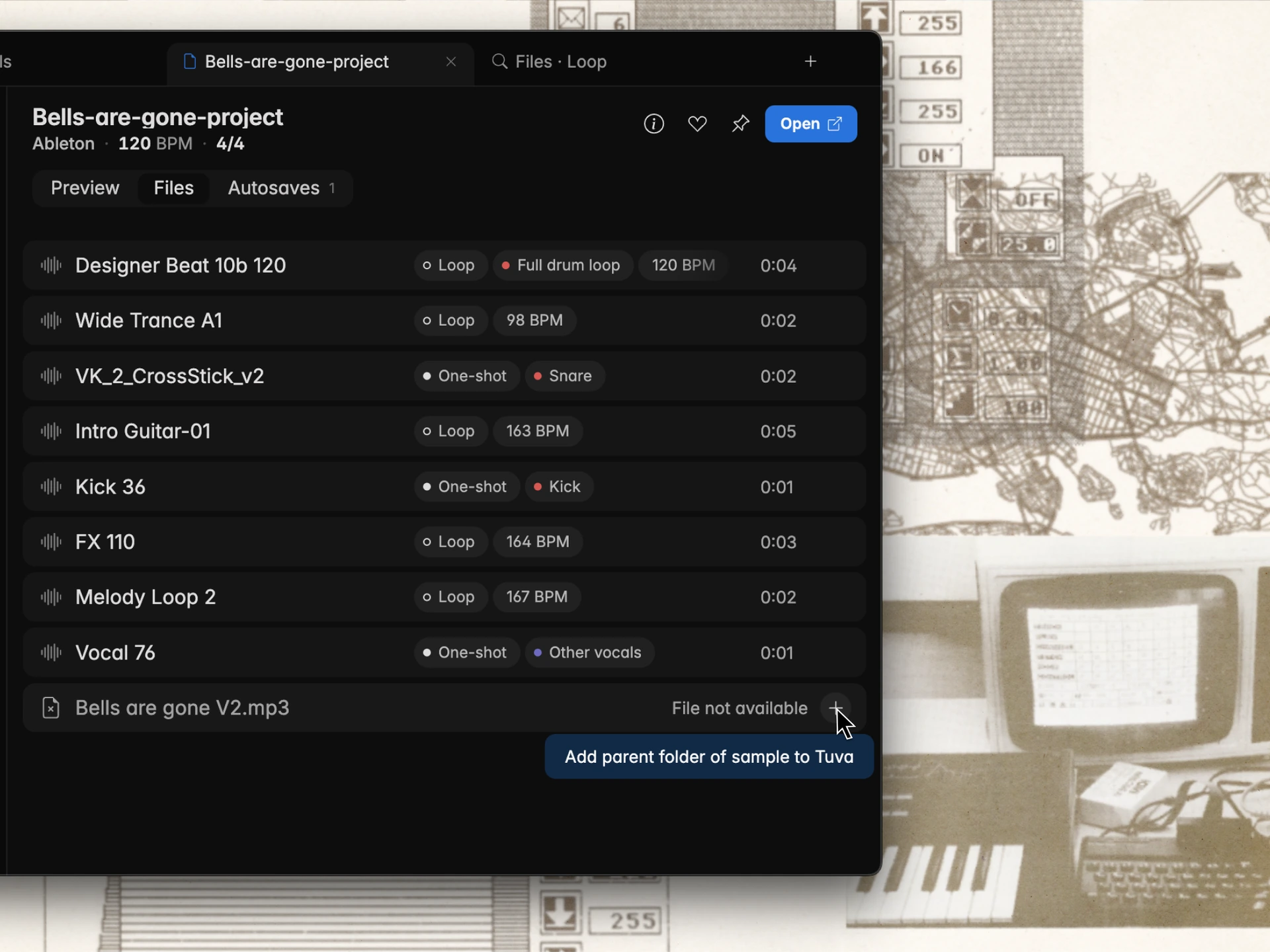
We have also added the ability to add files that are referenced in projects but aren't yet tracked in Tuva with one click. When you click the button, it prompts you to add the parent-folder where the audio-file is located to Tuva.
The last months we have added a lot of useful features to Tuva, such as editable tags, audio normalisation, duration filters, pinned tabs, and more. We are currently working on some big additions coming up that we really look forward to sharing with you, so stay tuned, and happy summer!
/ Tuva team